Product
One AI workspace for the whole team, with your company knowledge, in the EU.
Chat, company knowledge, agents, documents and workflows in one place. Leadership decides who sees, uses and spends what.
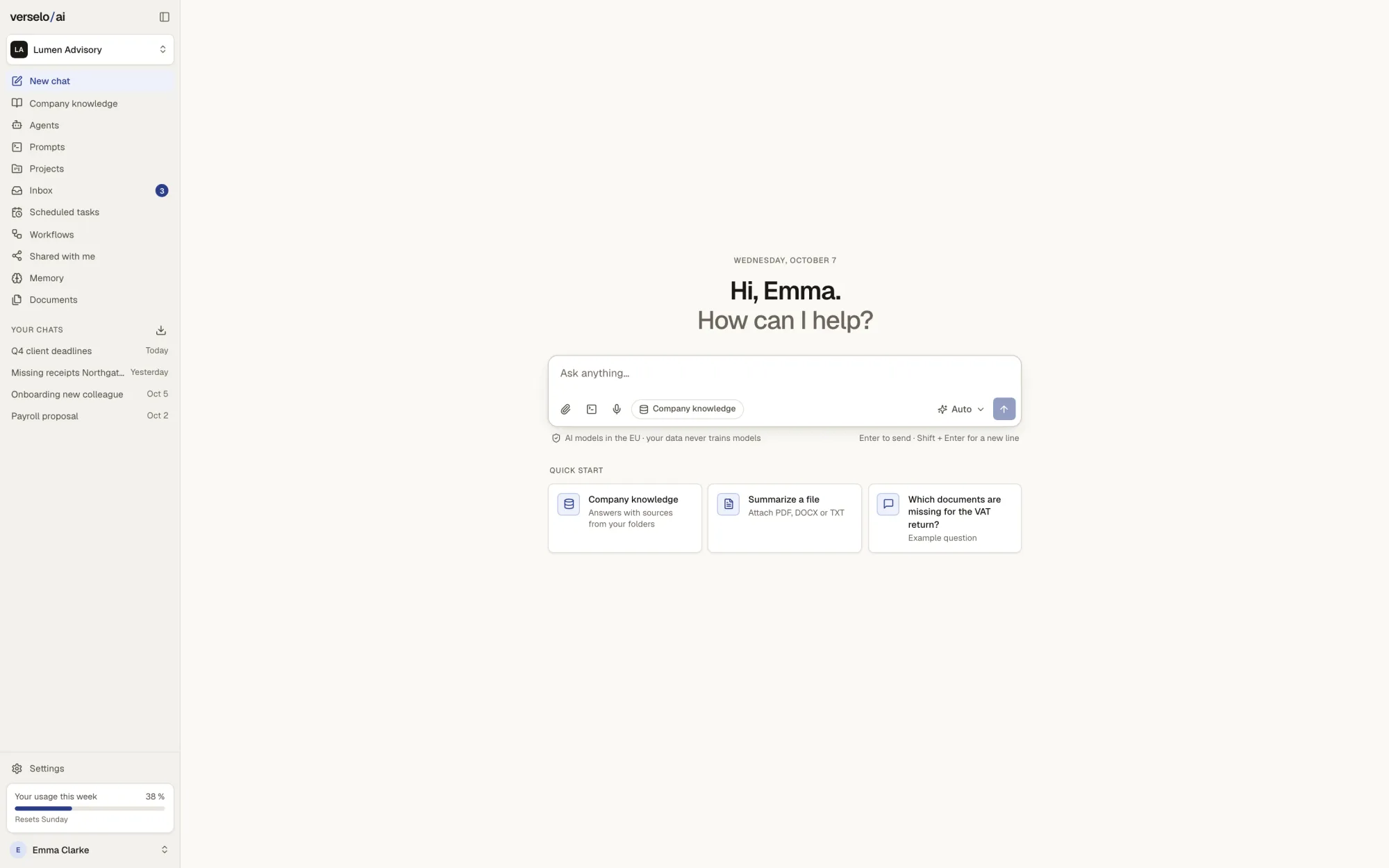
Ten features, one workspace
Work
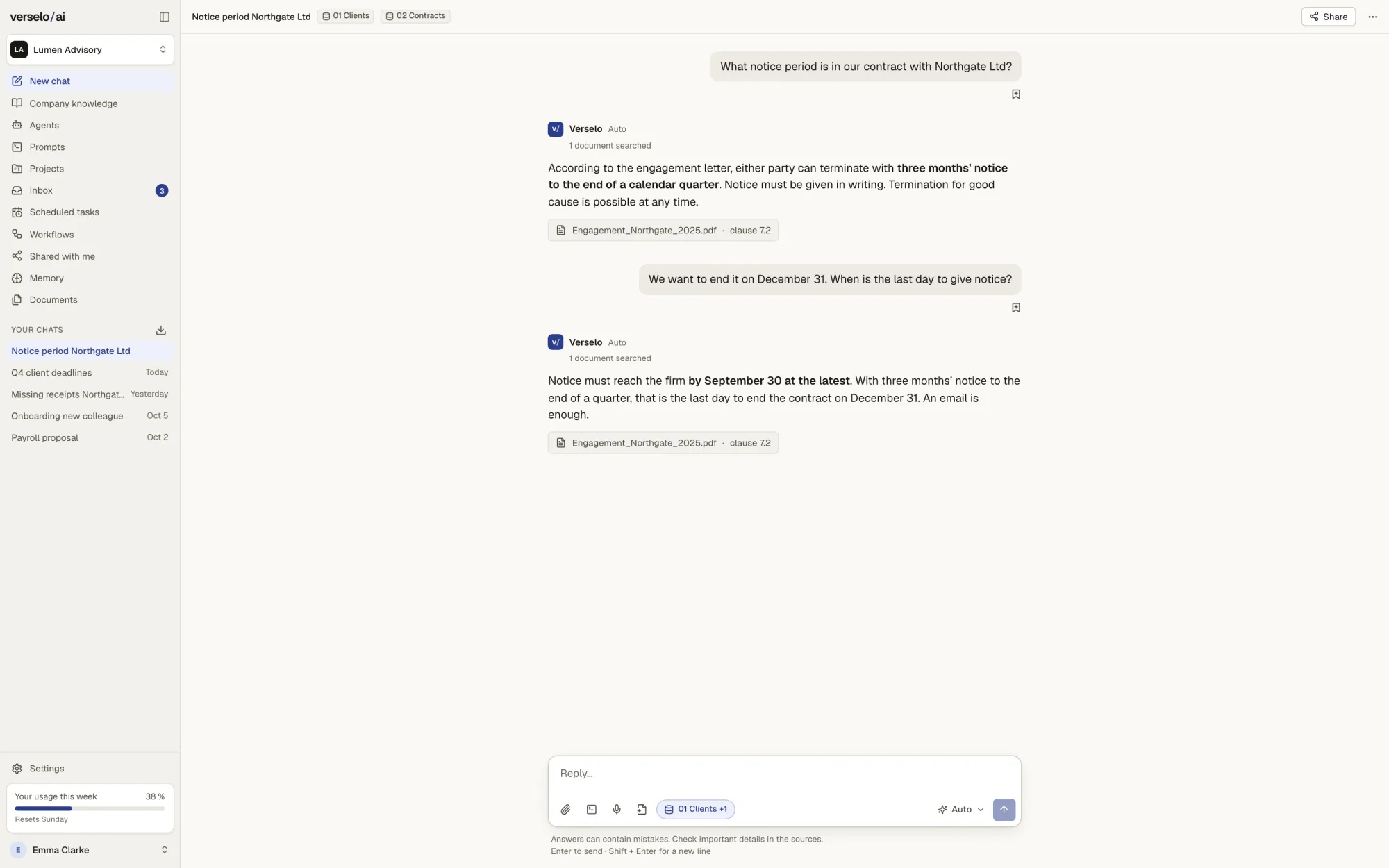
Chat & models
Pick a model or Auto, with web search, projects and a prompt library.
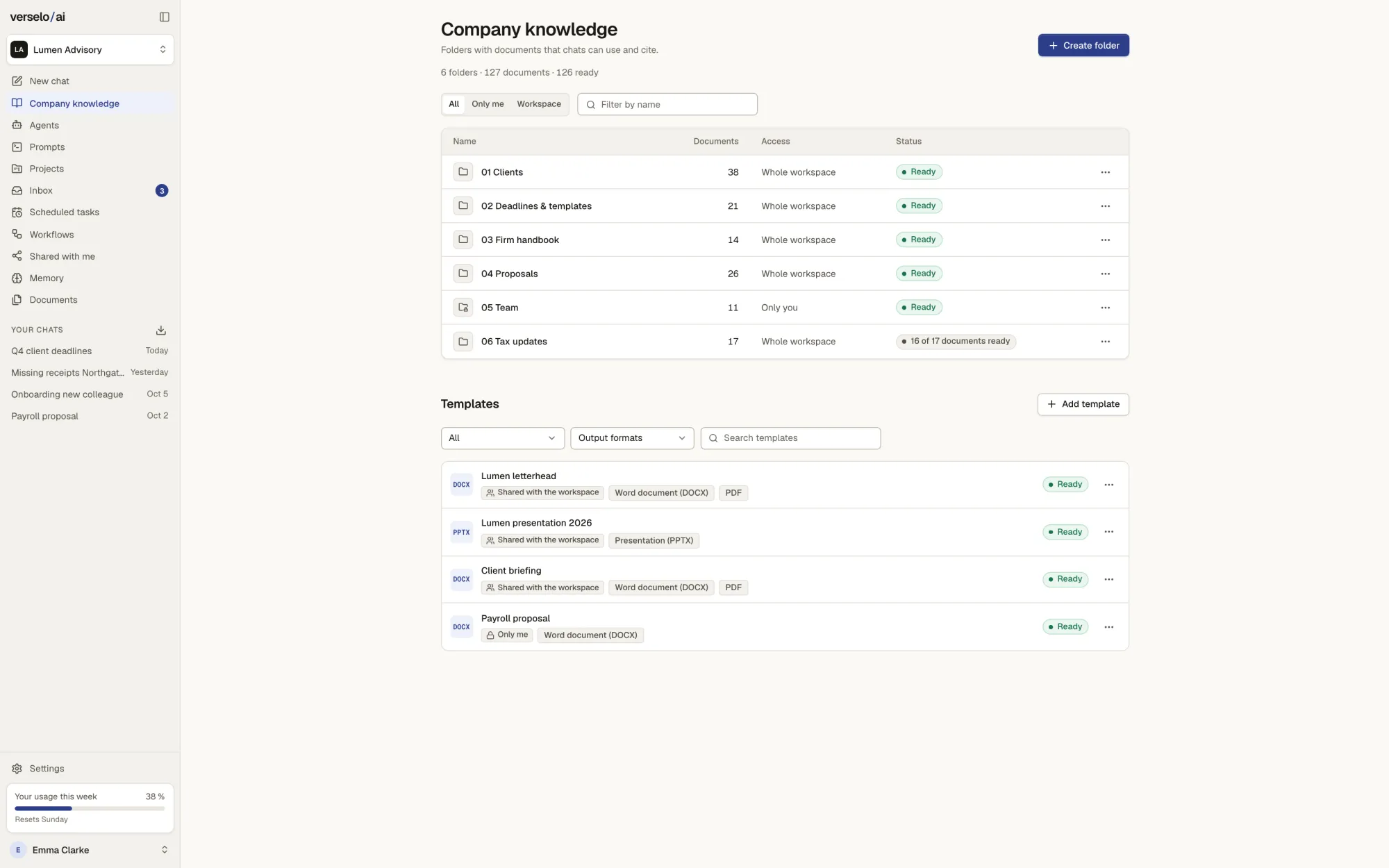
Company knowledge
Answers from your own documents, citing the document and the passage.
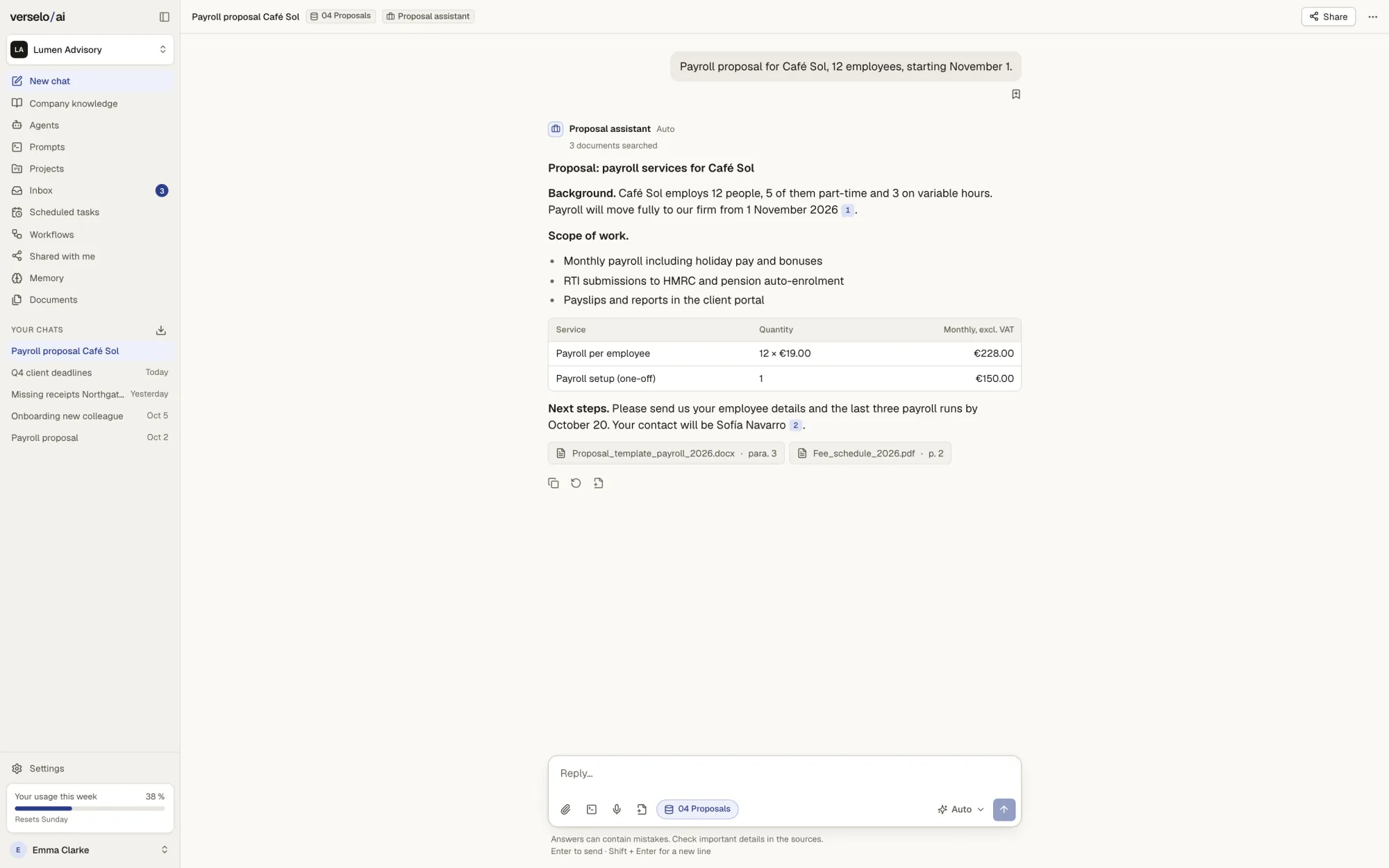
Agents
Agents handle recurring tasks with your instructions and your knowledge.
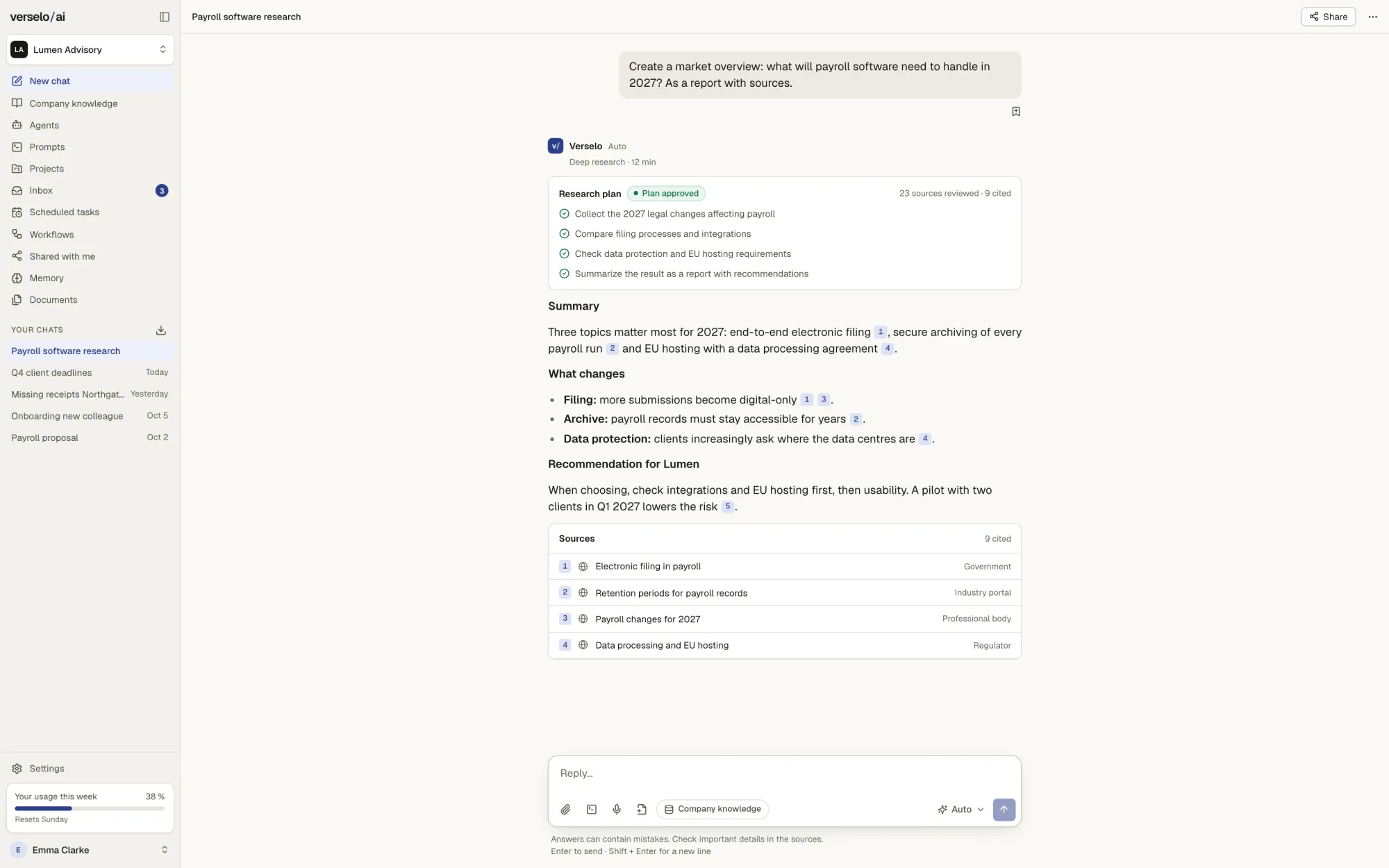
Research
Verselo plans the search, gathers sources and writes a report with citations.
Create & automate
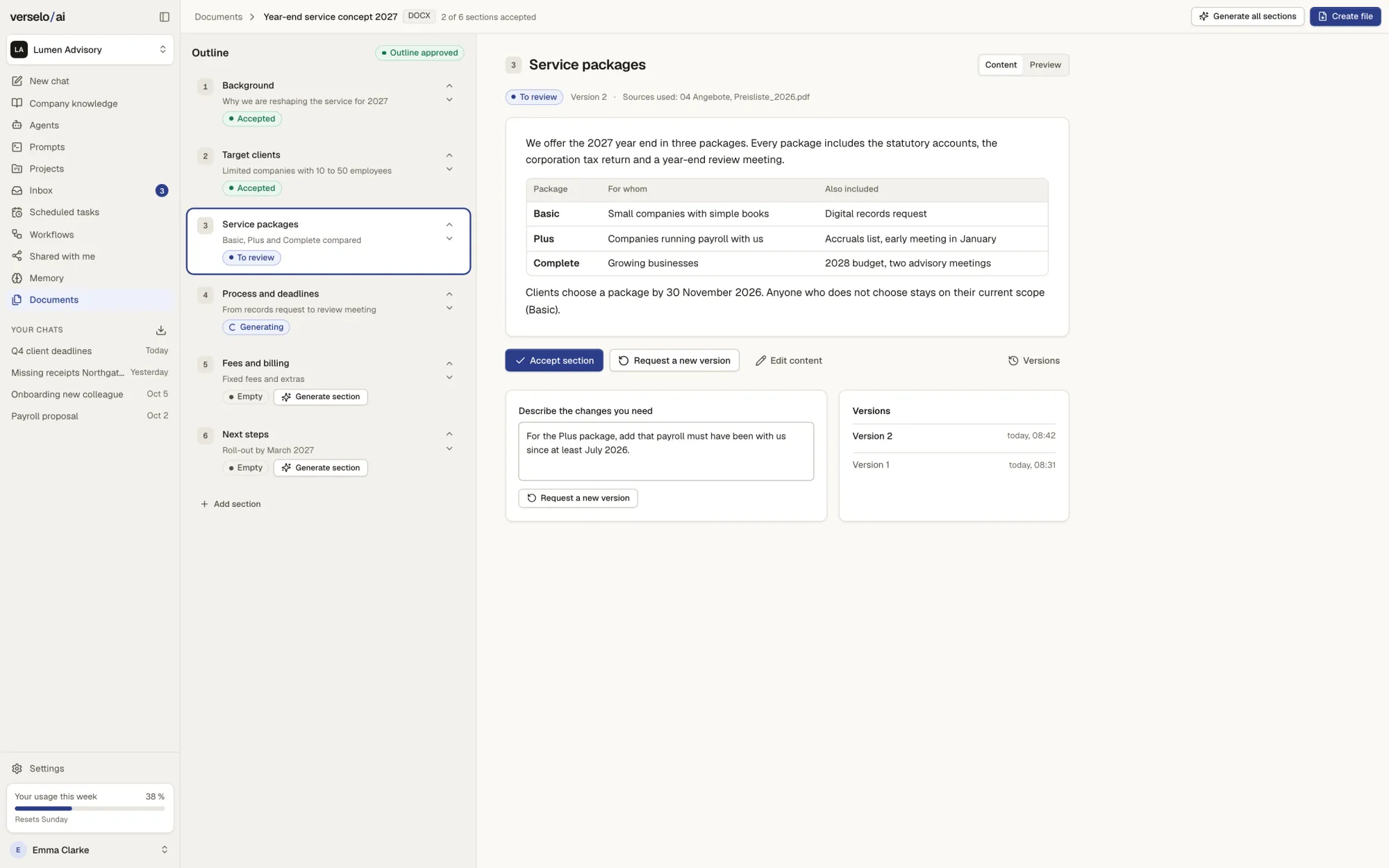
Documents & templates
Word, PowerPoint and PDF in your company design, long documents and images included.
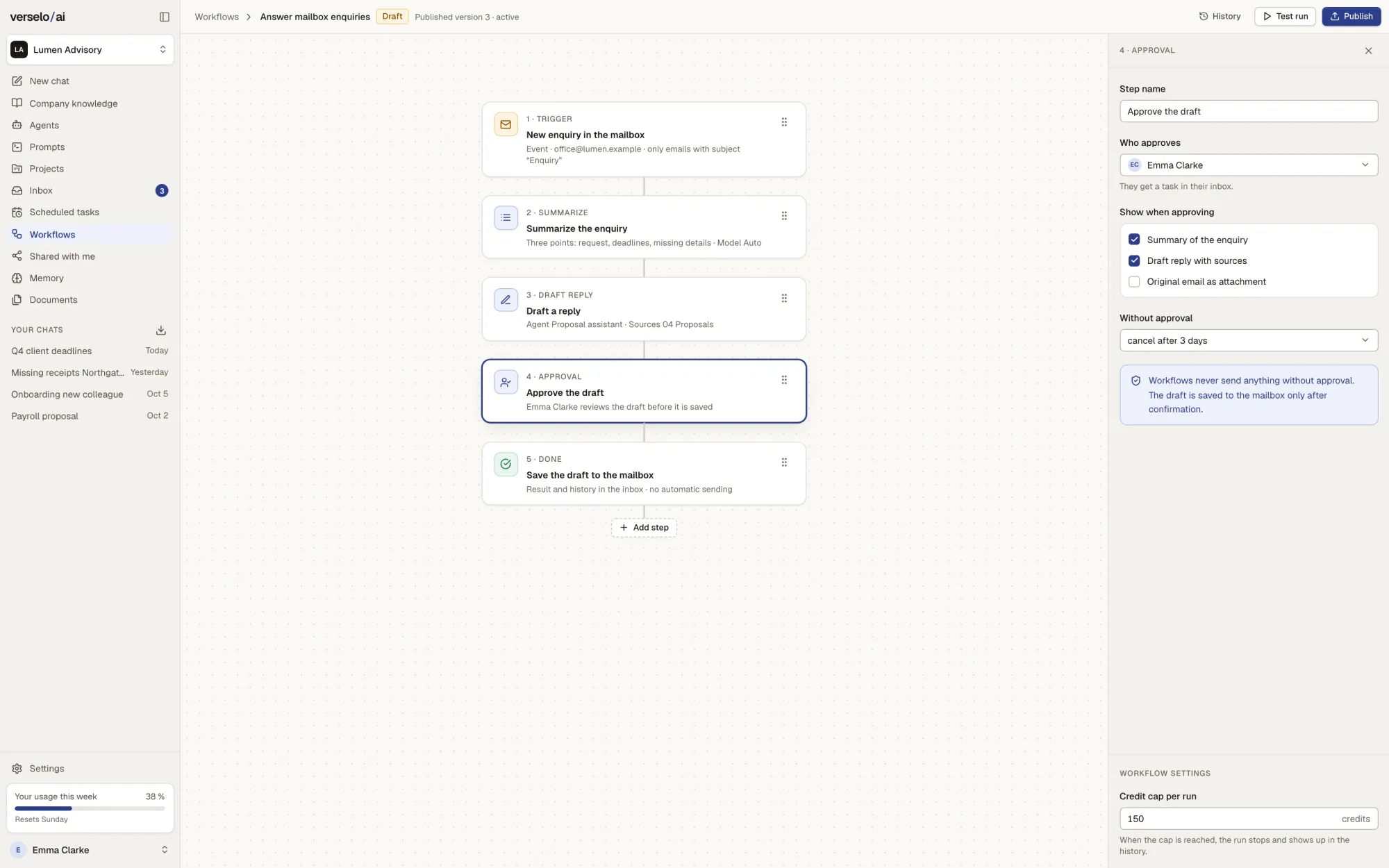
Workflows & scheduled tasks
Processes on a schedule or an event, with your approval at the steps that matter.
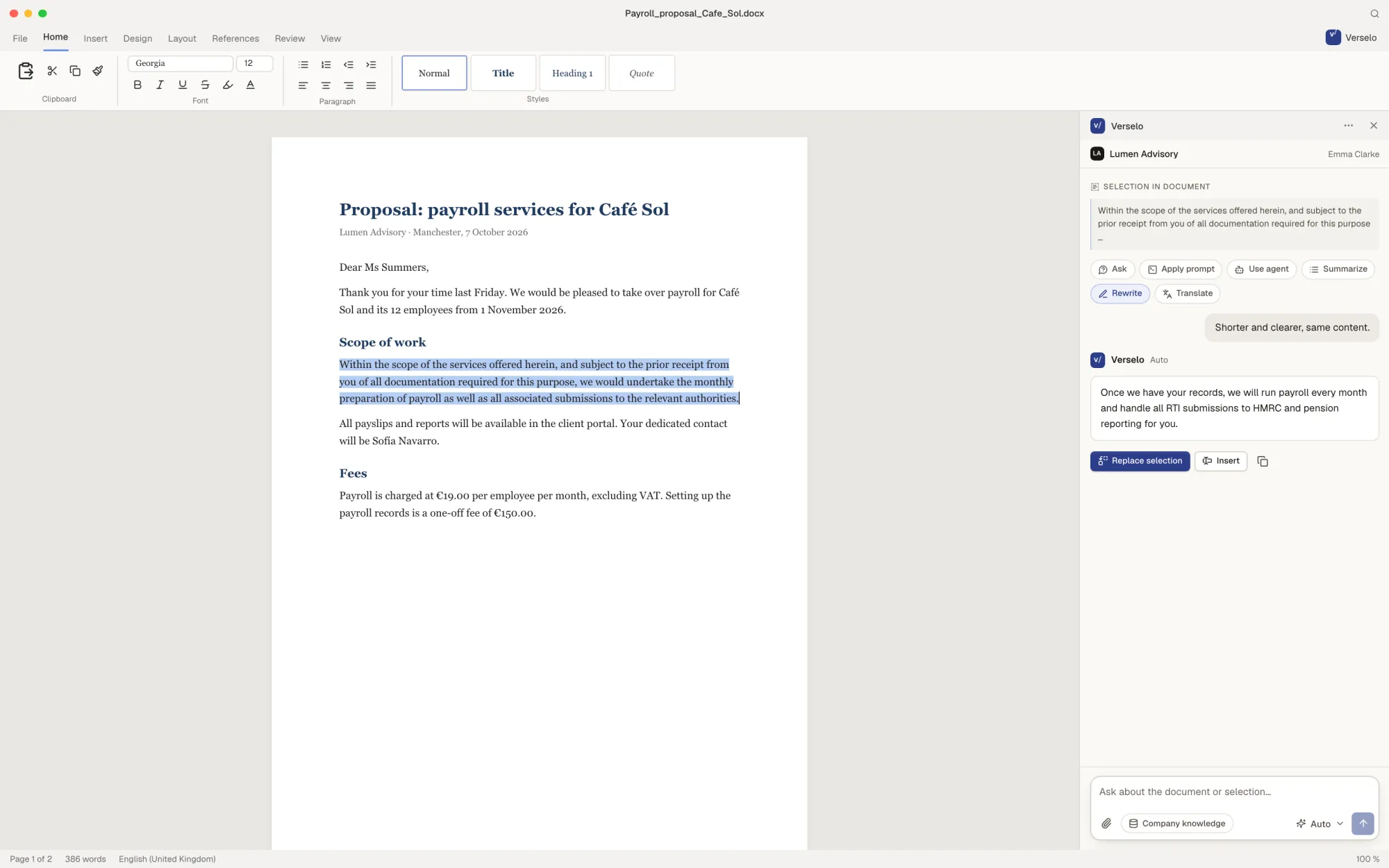
Office add-in
Verselo inside Word, Excel, PowerPoint and Outlook, on the content you select.
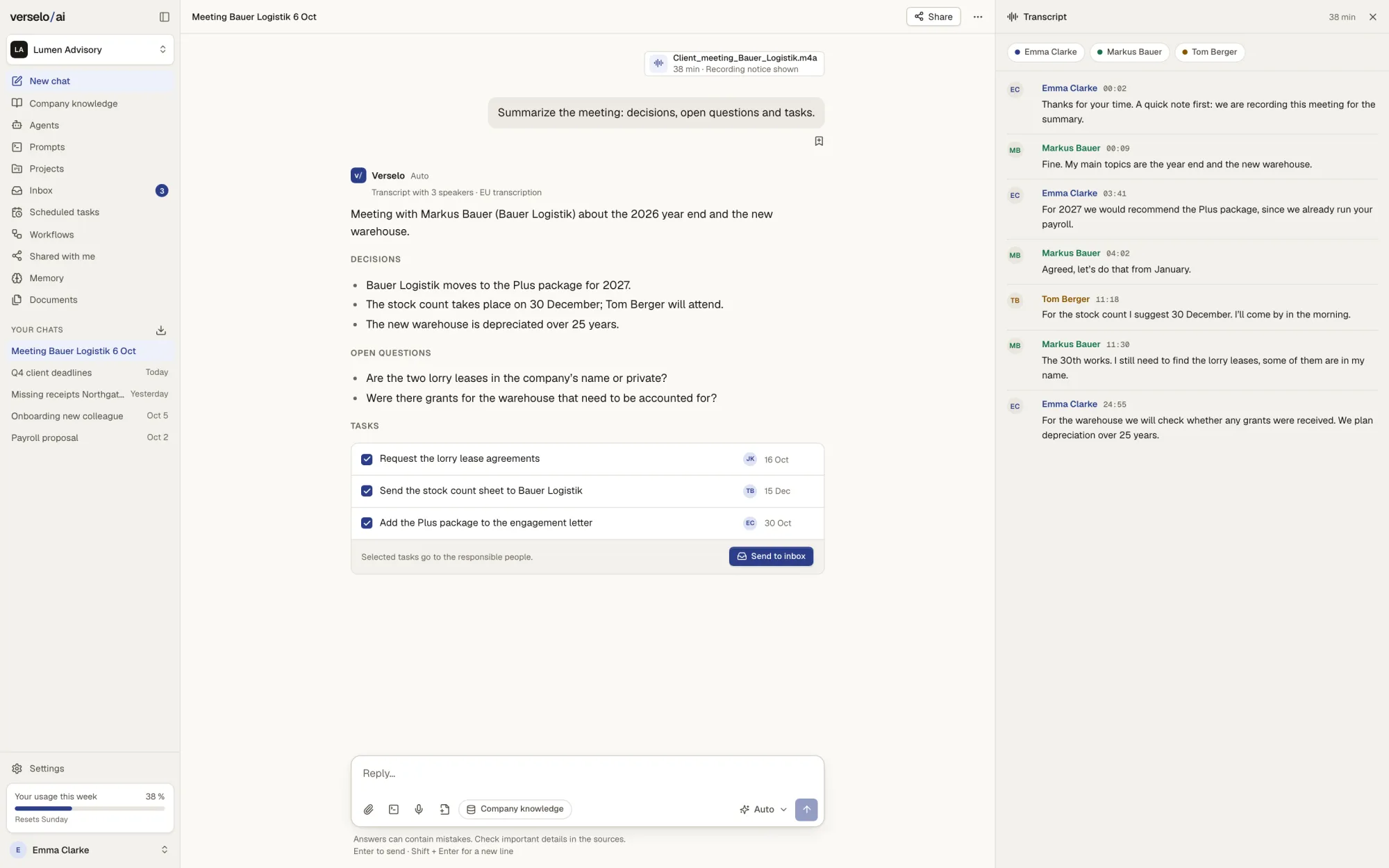
Meetings
Every recording becomes minutes with decisions and tasks.
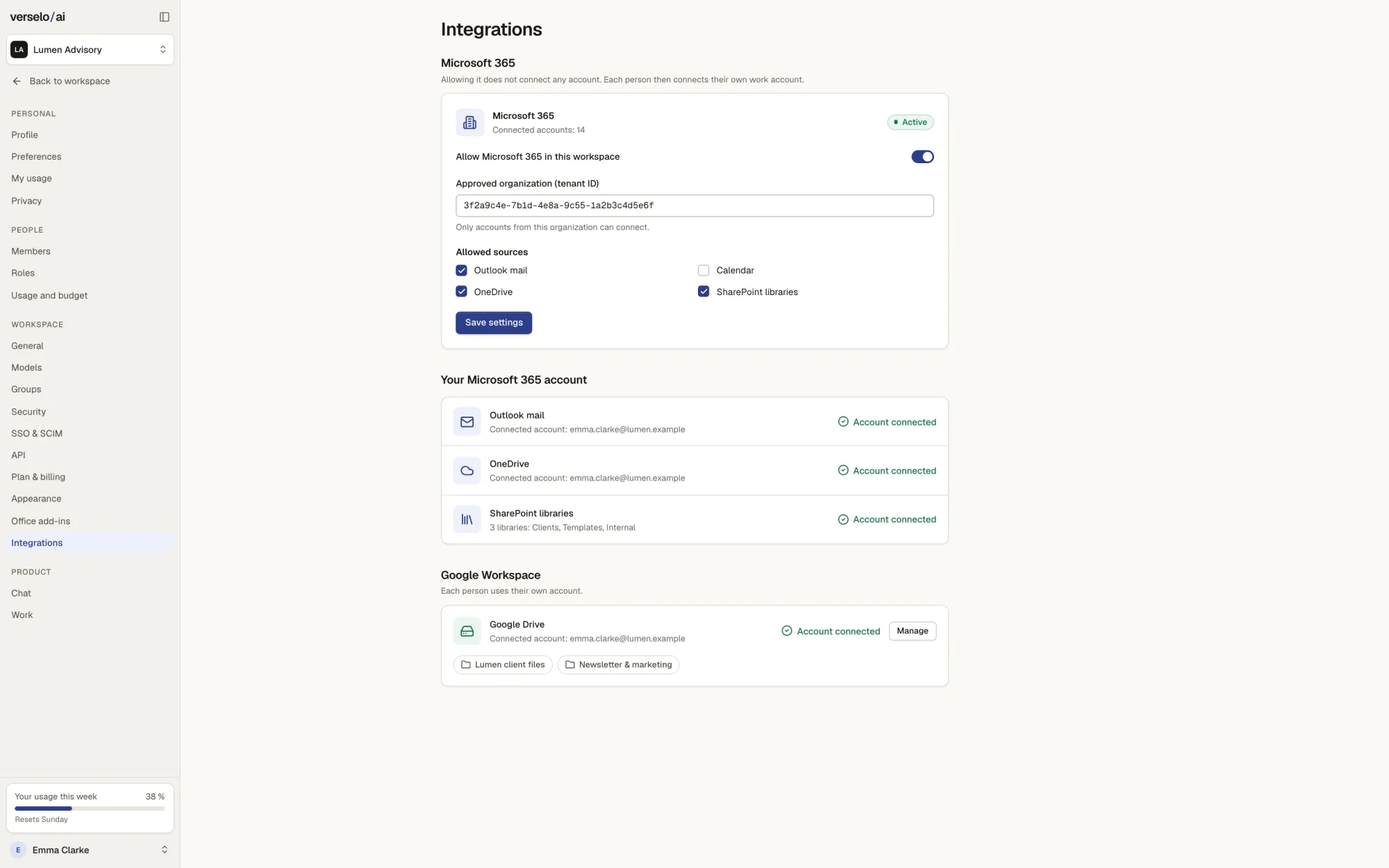
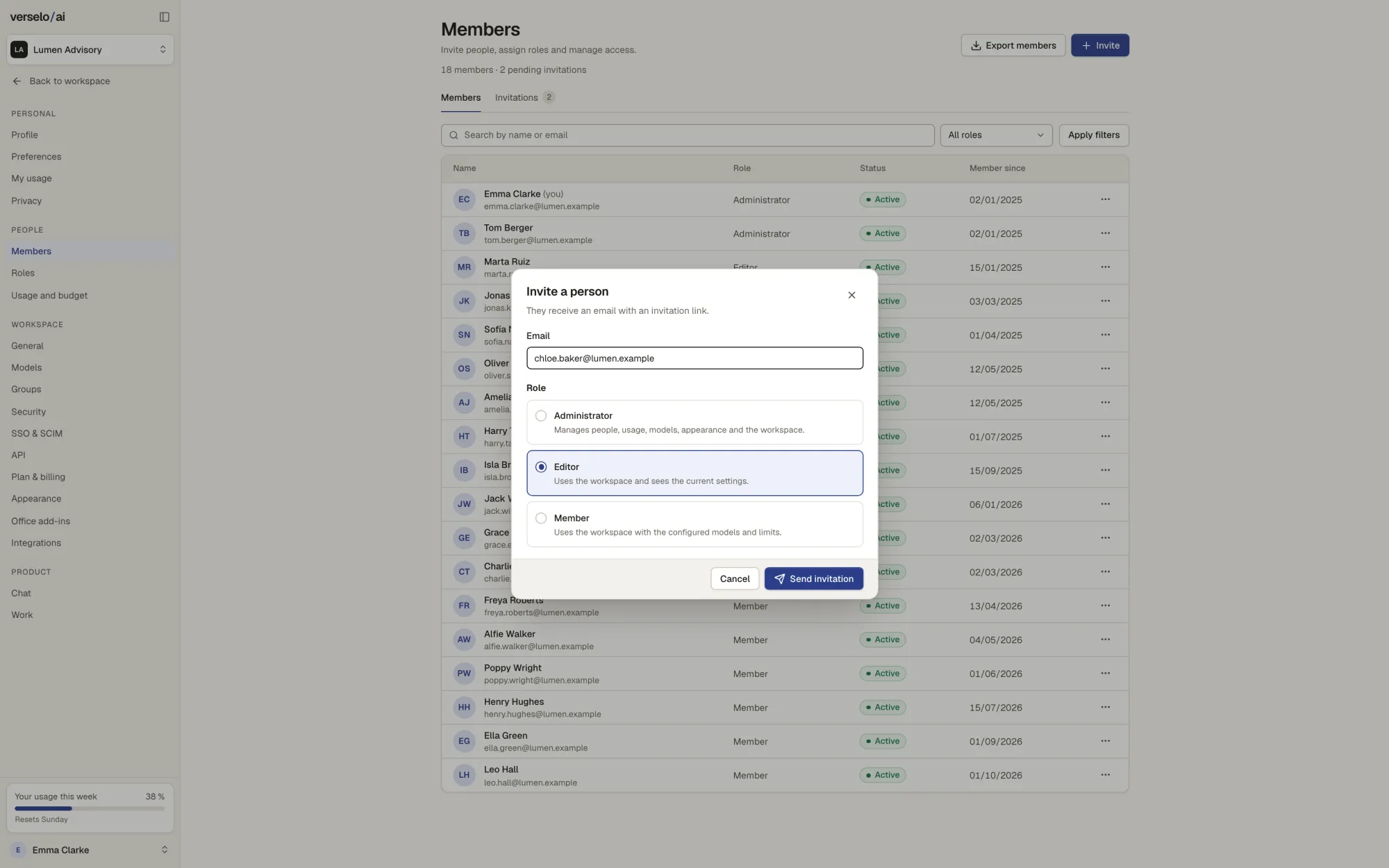
Control and data
- Roles and groups: admin, editor, member or roles of your own only on Enterprise. Groups decide who sees which agents, prompts and folders.
- Only on Enterprise: sign in with your company login through SAML SSO. SCIM creates and removes accounts automatically.
- A monthly budget for the workspace, a limit per person and every person's usage in view.
- EU-hosted models from leading providers; your data stays in the EU. Verselo does not train models on your data. Web search sends only the search term out of Verselo.
Frequently asked questions
What is Verselo?
Verselo is an AI workspace for small and mid-sized businesses. Your team chats with top models, asks your company knowledge with the source cited, and uses agents, documents in your design, workflows, the Office add-in and meeting minutes. Admins control access, models and budget. EU-hosted models from leading providers; your data stays in the EU. All three plans start from one seat and can be cancelled monthly.
What does Verselo do that ChatGPT doesn't?
Verselo connects AI to what makes your company yours. Answers come from your company knowledge and cite the document and the passage. Proposals and presentations come out in your own templates. Admins manage groups, roles and budgets in one place, and the data stays in the EU. What another tool offers on your plan is best checked in a dated side by side comparison.
Which tools does Verselo connect to?
From Team, Verselo connects to Microsoft 365 and Google Workspace, to HubSpot, Pipedrive or Salesforce as your CRM, and through the Office add-in to Word, Excel, PowerPoint and Outlook. There is also an API for your own applications. Verselo only reads mail, files and calendars, with each person's existing permissions. It writes to the CRM only after you confirm, with one CRM per workspace.
What do we need to get started with Verselo?
To start with Verselo you need a company email address, from a single seat. You set up the workspace yourself with onboarding videos. On a call we show you Verselo on your own case and work out which plan fits your team.
See Verselo on your own task.
Bring a task your team does every week. On the call we show you Verselo on it and work out which plan fits. From one seat, cancel monthly, EU hosting always included.