Chat & models
One chat for every task, with the right model or on Auto.
Your team asks, summarizes and drafts in the same chat. Pick the model yourself or let Verselo choose. EU-hosted models from leading providers; your data stays in the EU.
Type, dictate or upload a photo.
Type your question, attach a file or speak it into the microphone when you're on the move. The chat understands photos and screenshots too, such as a delivery note. Verselo titles the chat for you. If your last message missed the point, edit it and generate the answer again.
- Voice input instead of typing
- Upload PNG or JPEG images and ask about them
- Stop an answer, rename and export your own chats
- Charts right inside the chat
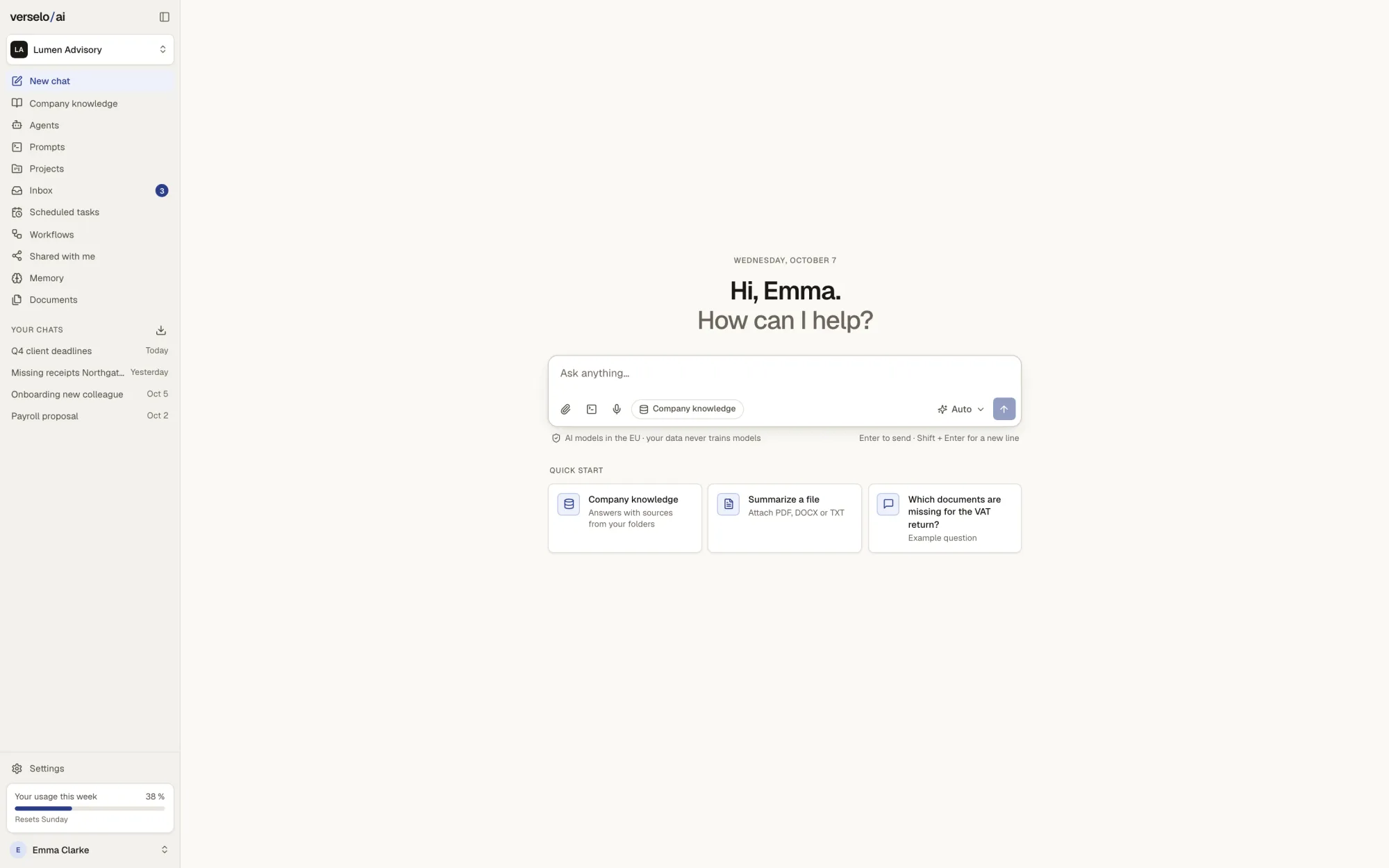
Pick the model or let Verselo pick.
A long contract calls for a different model than a quick reply to a client. You choose it at the input field. On Auto, Verselo decides for each request. Which models your team sees at all is up to your admin.
- EU-hosted models from leading providers; your data stays in the EU
- Your admin decides which models and which Auto options are allowed
- Your data is not used for training
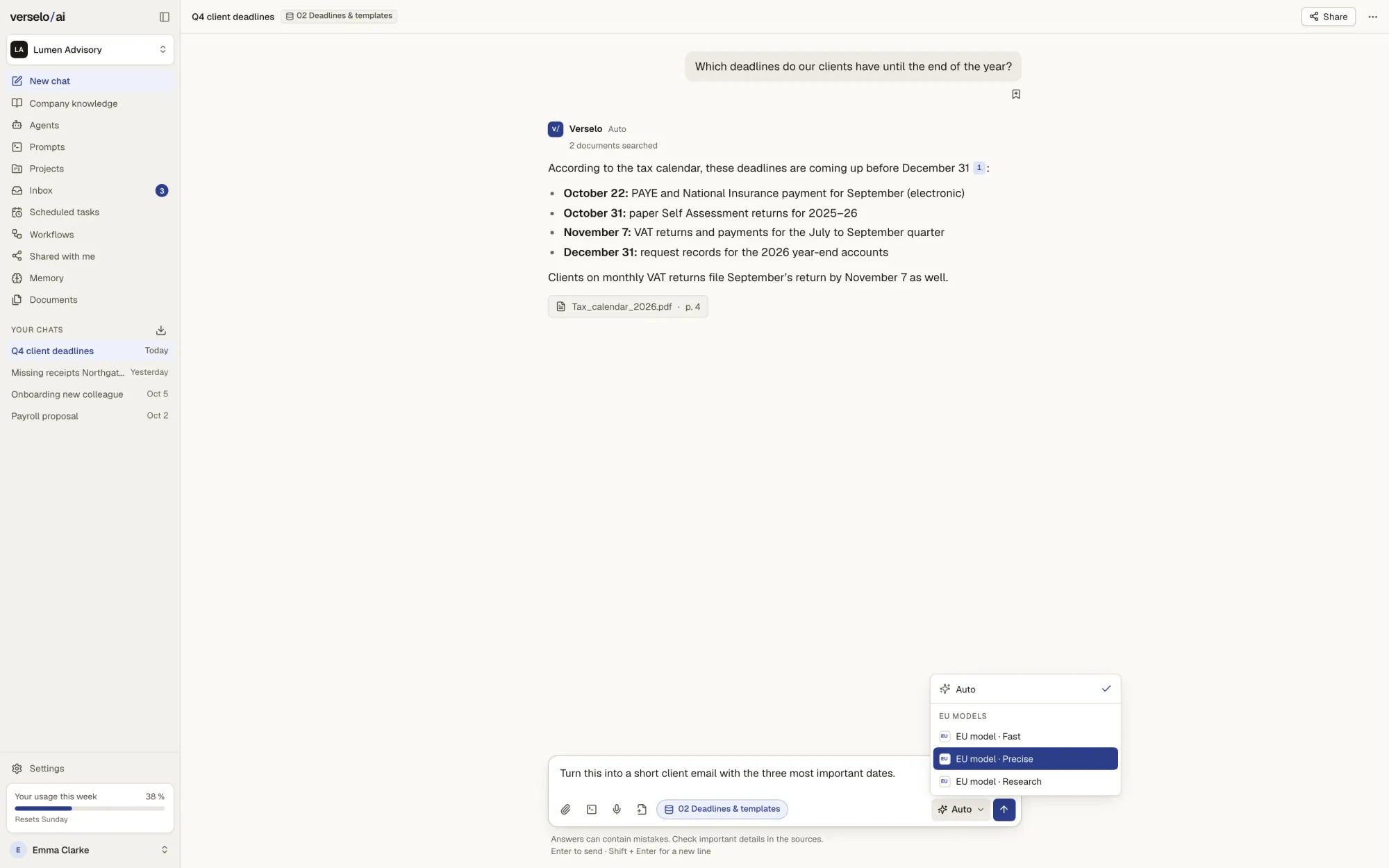
Bring in current information from the web.
For deadlines, rule changes or market prices, switch on web search. The search term sits above the answer and the linked sources below it. Only that search term goes to the search engine. Your files, chats and company knowledge stay in Verselo. Your admin can turn web search off for the whole workspace.
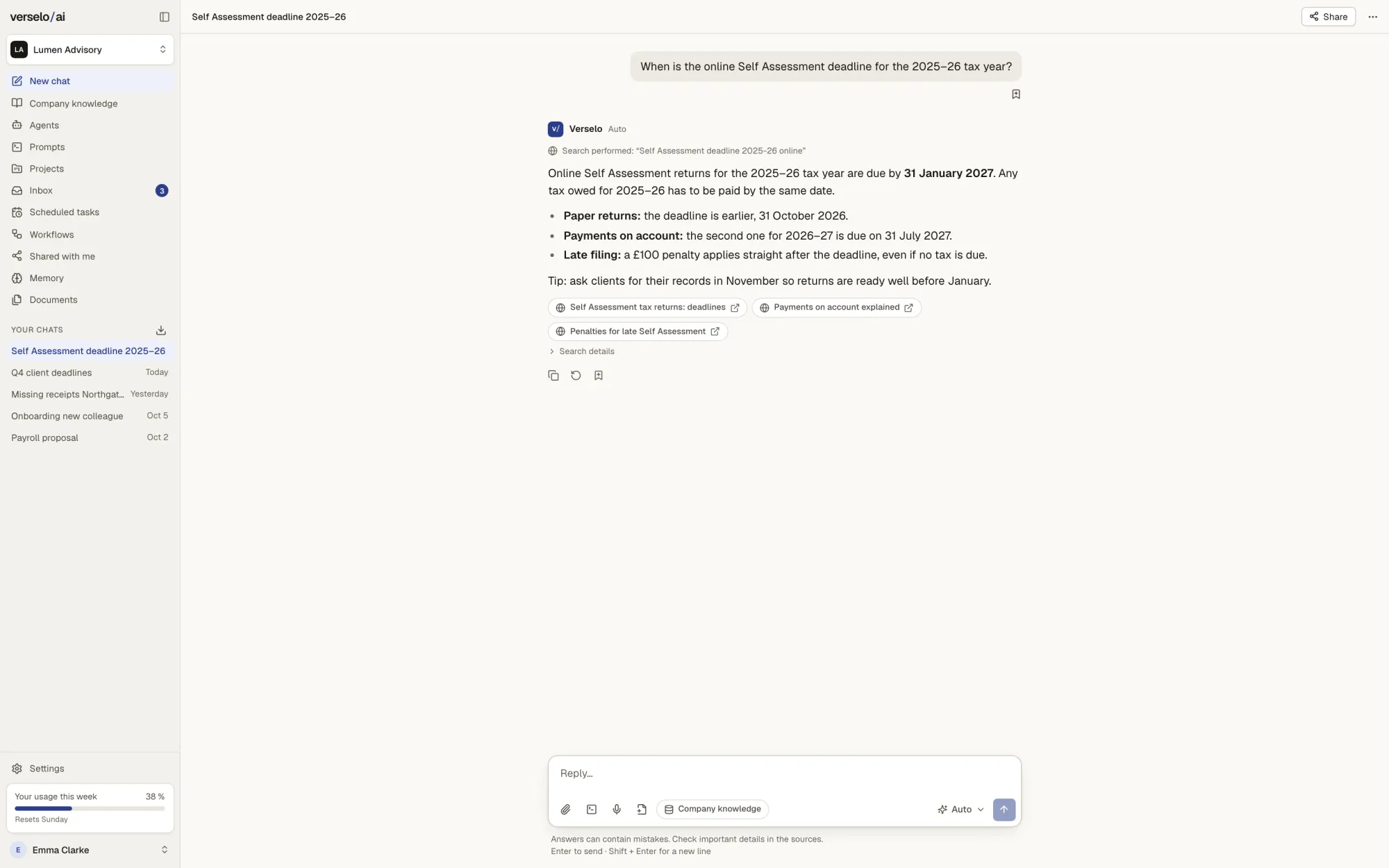
Keep related work together in a project.
A project holds the instructions, files and every chat on one topic, such as this year's client accounts. Each new chat in the project starts with that context. Separately, memory keeps track of your personal preferences, and it only saves something once you confirm it.
Share the prompts and chats that work.
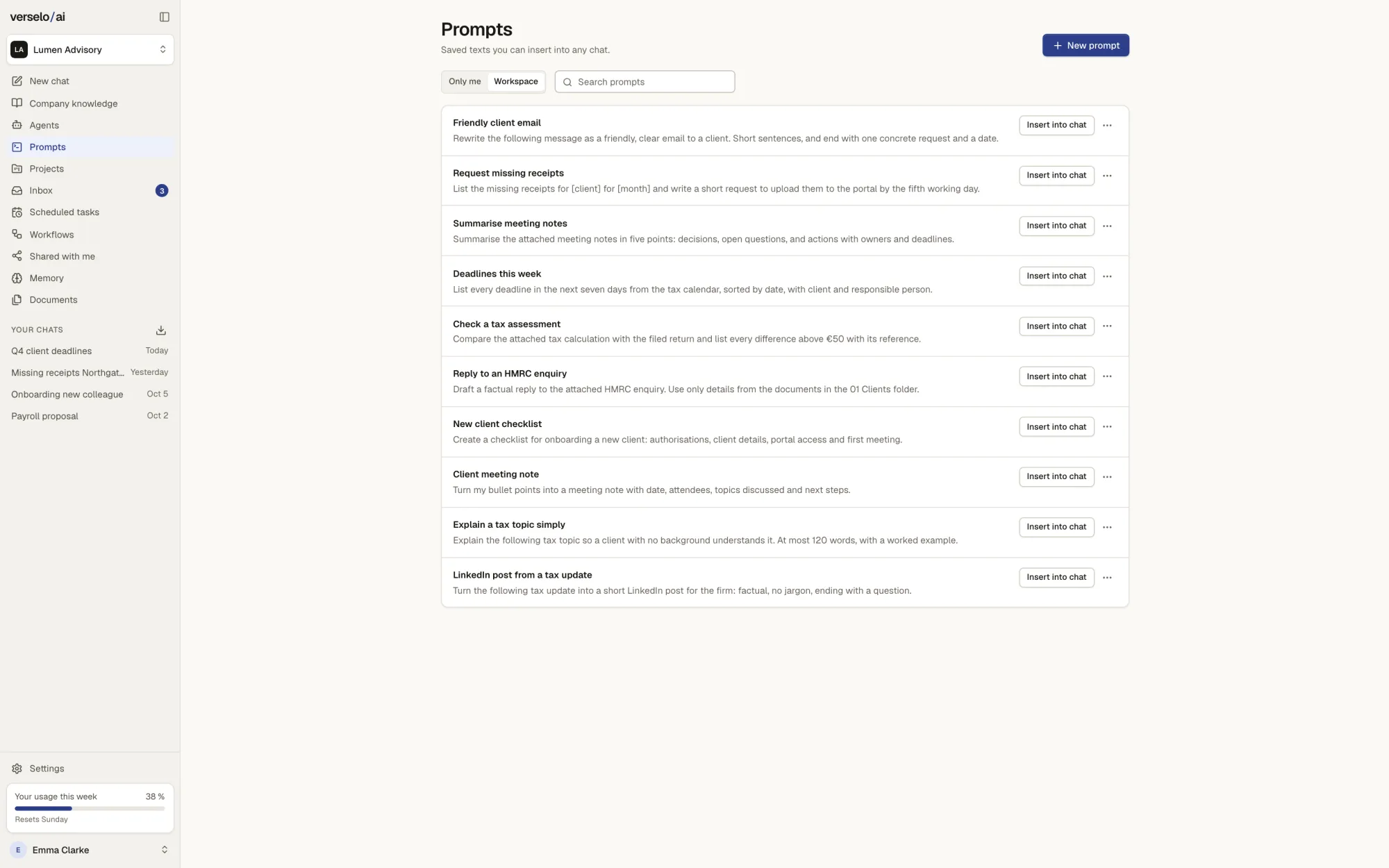
Prompts that have proven themselves go into folders in the prompt library, private or for the whole team. One click puts them into the chat. You can share a chat with up to 100 colleagues in your workspace. There are no public links.
Frequently asked questions
Can I choose the AI model in Verselo?
Yes. In Verselo you pick a model from the list for each request, or leave it on Auto and Verselo decides. The list only contains models your admin has allowed for the workspace. Verselo uses EU-hosted models from leading providers; your data stays in the EU and is not used for training. You can't plug in your own API keys or your own models.
Can Verselo search the web?
Yes. Verselo has web search for current questions, such as deadlines or regulatory changes. The answer shows the search term it used and links the sources. Only that search term goes to the search engine; your files, chats and company knowledge never leave Verselo. Your admin can turn web search off for the whole workspace. For longer pieces of work with many sources, use research.
Can I upload photos to Verselo and ask about them?
Yes. In the Verselo chat you upload photos and screenshots as PNG or JPEG and ask your question about them, for example "What does this delivery note say?". That helps with receipts, forms or an error message on screen. For longer material such as contracts and handbooks, company knowledge is the better place, because every answer there names the document and the passage.
How does my team share prompts and chats in Verselo?
Through the prompt library and sharing inside the workspace. Your team saves prompts that work in Verselo folders, private or for everyone, and inserts them into the chat with one click. You can share any single chat with up to 100 colleagues in the same workspace. There are no public links, so nobody outside your workspace sees anything.
See it on your own case.
Bring a real question from your team. On the call we ask it once on Auto and once with web search.
From one seat, cancel monthly, EU hosting always included.